Organization / Archived
Set a project aside. Keep its place.
Move older work out of your everyday project views while keeping its saved record. Bring it back when the next fix, idea, or client request arrives.
Built around your workflow
What you can do
A quieter active workspace
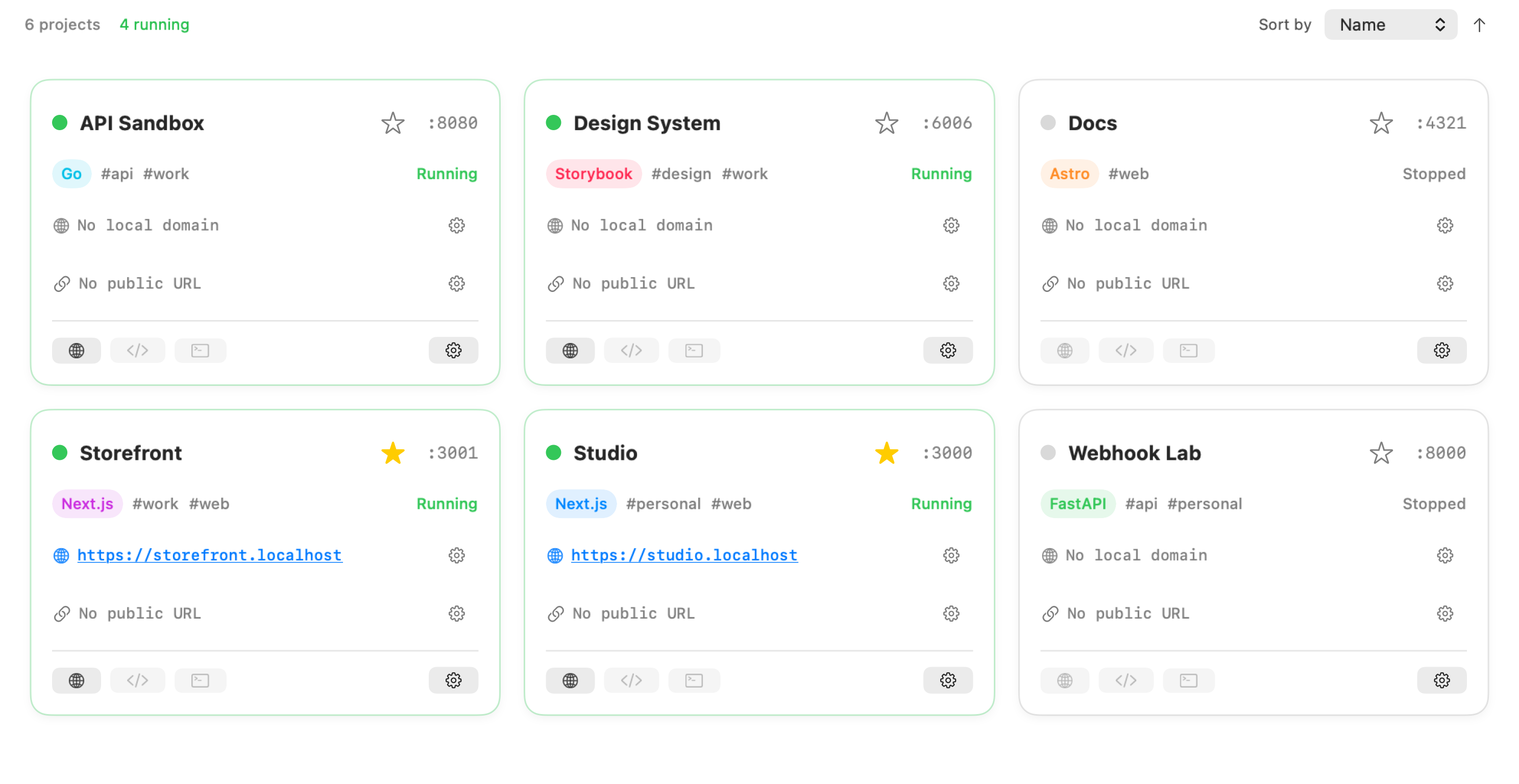
Archived projects are excluded from All Projects, Favorites, Running, and tag-filtered project views.
Saved details stay available
Keep the project’s record and return to it from the Archived sidebar view.
A reversible decision
Use Unarchive when you want a project back in your working collection. Archiving does not delete its source folder.
Getting started
From here to your first use.
Set the project aside
Choose Archive from the project’s actions, or archive a selection of projects.
Find it in Archived
The Archived sidebar item appears when there is archived work to review.
Bring it back
Select the project and choose Unarchive. Start its development server separately if you want to work on it again.