Projects / Running
See the work that’s live right now.
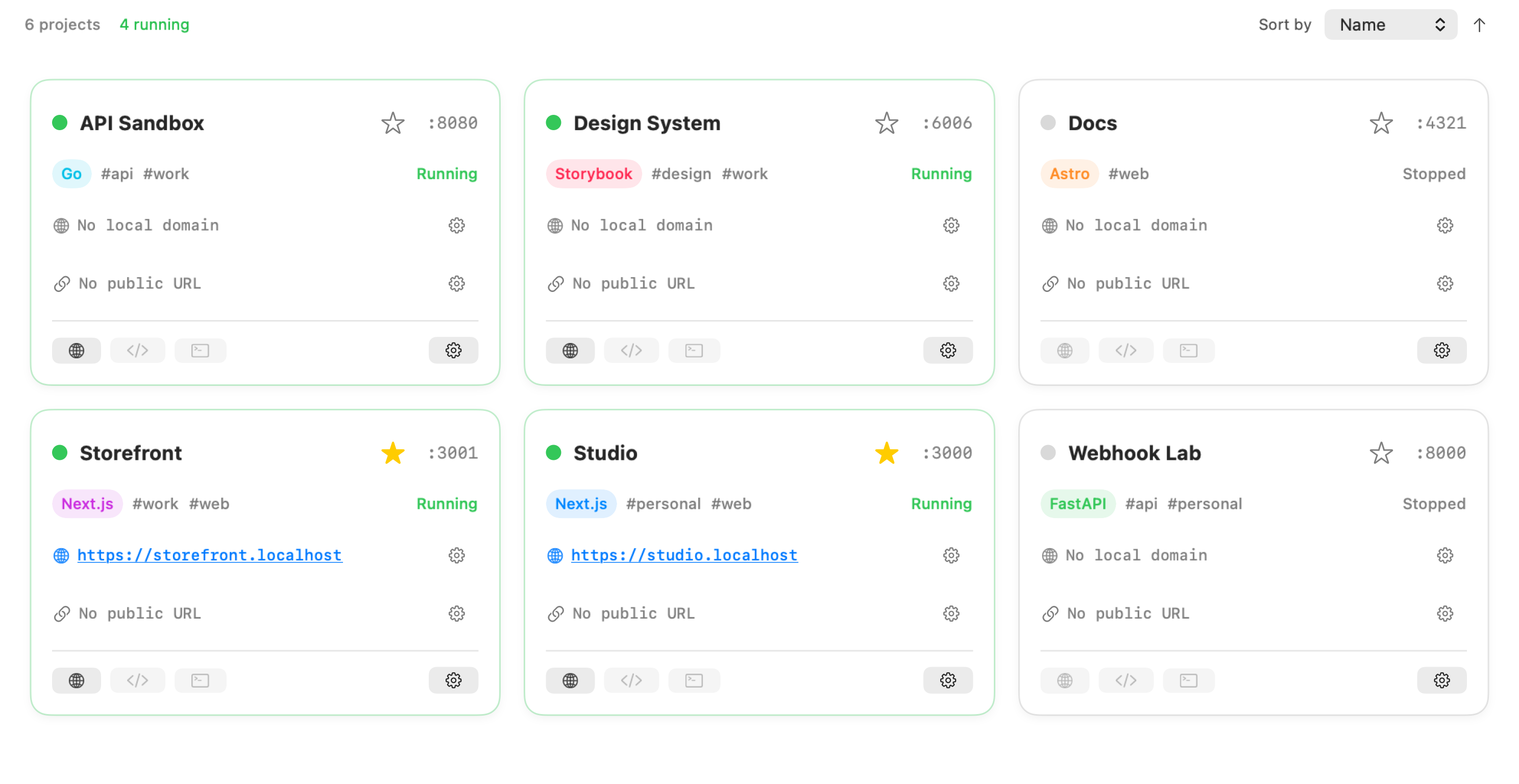
Separate the projects you have saved from the ones actually running. The Running view focuses on projects with an observed, attributed local listener.
Built around your workflow
What you can do
Runtime status with context
See running projects alongside their saved names and configuration, instead of starting with a wall of process IDs.
Useful project attribution
The app uses process and directory information to associate observed listeners with saved projects where it can establish the match.
A path into the details
Open the project’s tools, inspect its port, or request a process stop through the app’s confirmation flow.
Getting started
From here to your first use.
Start a saved project
Run its usual development command in your terminal.
Select Running
Open Running in the sidebar. Port scans update the view as the app observes local listeners.
Investigate when needed
Use Active Ports for the underlying process details if an expected project is missing or a port is occupied.