Projects / Favorites
Your daily projects, within reach.
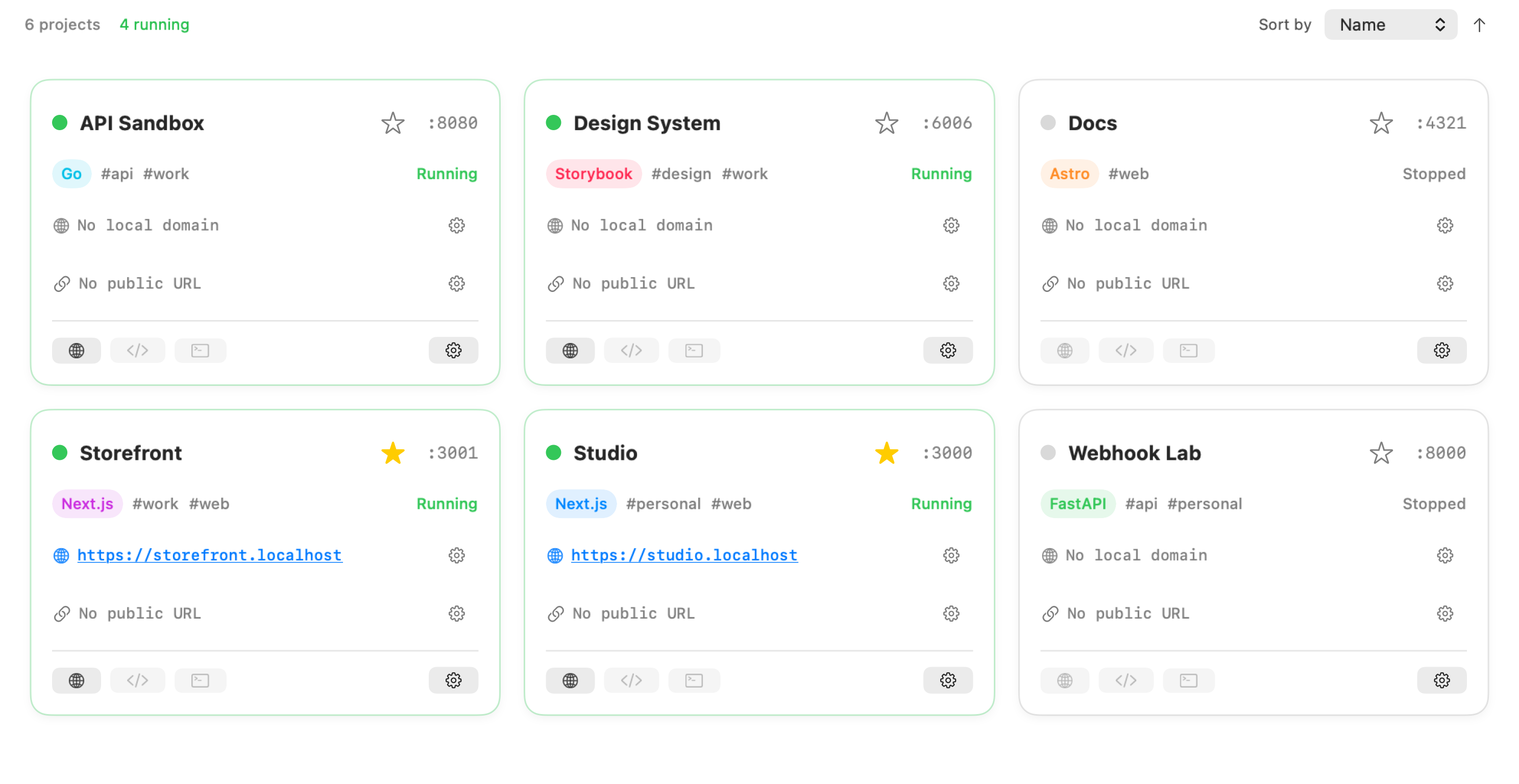
Keep the projects you return to in a focused Favorites view. The full collection stays available while your everyday workspace gets a little quieter.
Built around your workflow
What you can do
A deliberate shortlist
Mark a project as a favorite to keep it in a smaller, useful collection.
The same project, fewer distractions
Favorites retains the project’s existing ports, domain, tags, and actions. It does not create a second copy.
Easy to change your mind
Remove the favorite marker whenever your priorities change. The project remains in All Projects.
Getting started
From here to your first use.
Choose your regulars
Find a project in All Projects and use its favorite control.
Open Favorites
Select Favorites in the Projects section of the sidebar to see your nonarchived favorites.
Get back to work
Search the shortlist or use the project’s usual editor, browser, and terminal actions.